

Built to Last, Worth Repairing
On-Site Lexmark Printer Repair for Business
High-mileage Lexmark printers anchor thousands of offices — and our recently published service records include 1,419 Lexmark service calls across all 65 of our markets. MS and MX series, color, and the enterprise floor units, repaired at your office. Most laser printer repairs are completed within an hour.
On-site service is scheduled during standard local business hours, Monday–Friday.
The Printers That Refuse to Be Replaced
Offices that run Lexmark tend to run it hard and keep it for years — and the machines are built for exactly that. What wears along the way is the routine stuff: trays and rollers that feed hundreds of thousands of sheets, fusers and maintenance kits at the end of their rated life, imaging units that age out. Our technicians have been replacing those parts on Lexmark printers for nearly three decades, and most of it is single-visit work.
What Actually Fails on Lexmark Printers
Our analysts classified 1,145 Lexmark repairs from our recent service calls — and the pattern matches the machines’ reputation: these printers rarely fail outright — their wear parts come due on a schedule you can plan for.
Nearly 6 in 10
Lexmark repair calls involve the paper path — trays, pickup and feed rollers, and the jams they cause when worn
#3
the Lexmark MS810 is the third-most-repaired model in our entire published records — offices keep them running
All 65
of our markets contributed Lexmark repairs to our recent records — wherever your offices are, ours are too
Rollers, fusers, and imaging units are parts that naturally wear with use — like the tires and brake pads on your car — and they’re made to be replaced. The full analysis is in The Printer Reliability Report.
The Lexmark Lines We Service
From the compact MS series at the front desk to the enterprise floor units in the print room — business-class Lexmark is what our technicians repair every day.
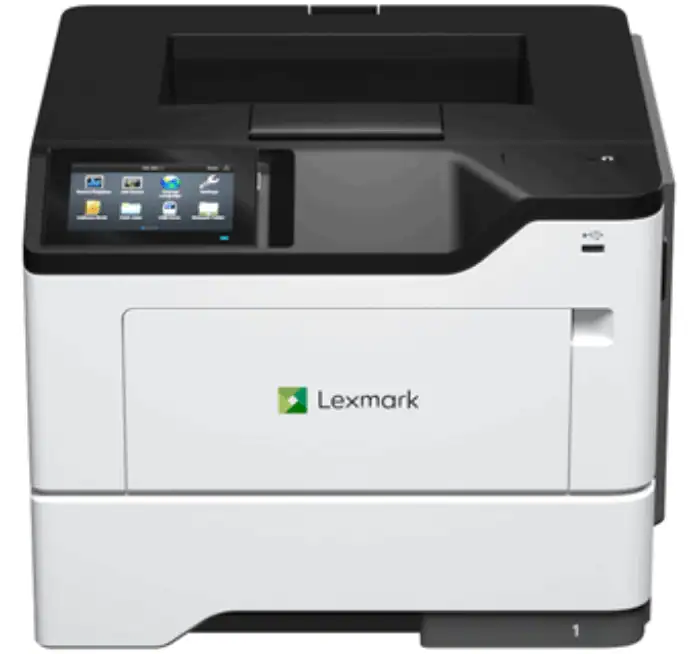
MS Series — mono laser
The MS531 and MS631 machines offices bought over the past few years are reaching their first maintenance kits now, the MS421/MS521/MS621 wave before them is deep in wear-part territory, and the MS610s still print every day. Rollers, fusers, and imaging units — routine work on every generation.
Models we service
MS531 · MS631 · MS632 · MS421 · MS521 · MS621 · MS610 & MS617 legacy fleet
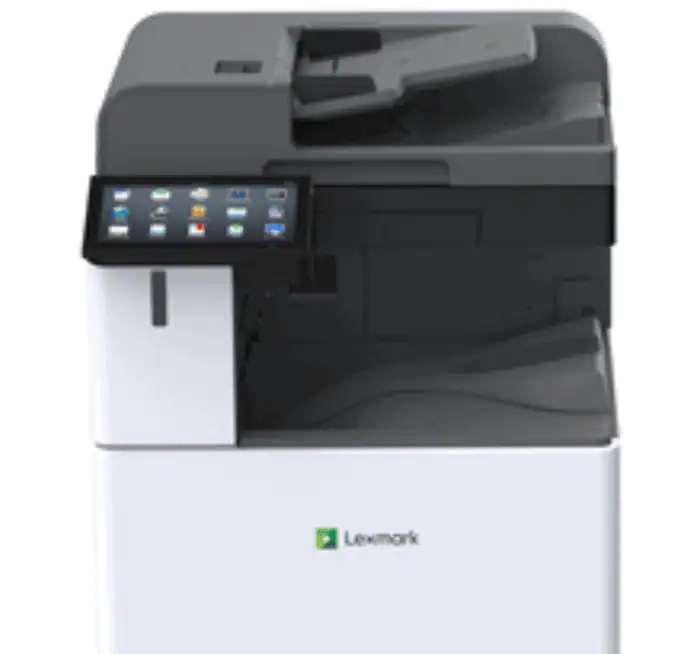
Enterprise — the MS810 class
The MS810 is the third-most-repaired model in our entire published records — not because it breaks easily, but because offices run them in numbers and keep them in service for years. The MS821 and MS811 run the same duty, and the T640/T650/T654 machines before them still show up on service calls. This platform is the heart of our Lexmark work.
Models we service
MS810 · MS811 · MS821 · MS822 · T640 · T650 & T654 legacy fleet
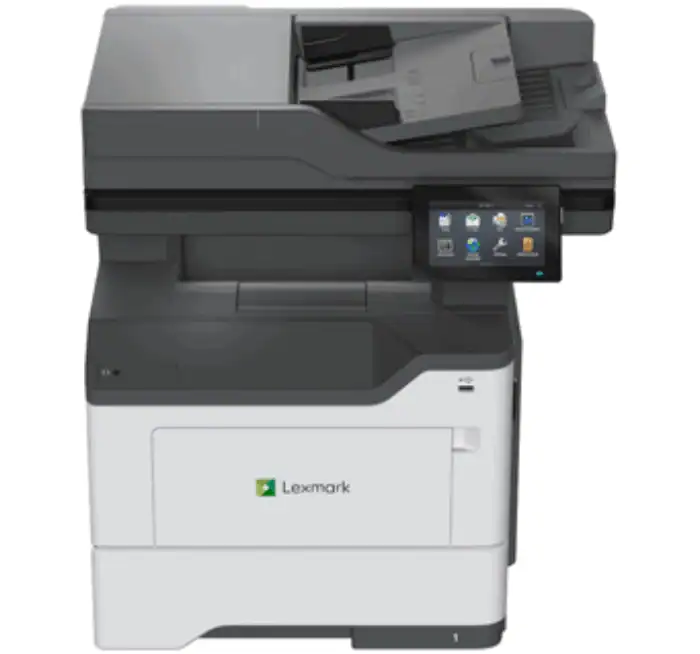
MX Series — multifunction
Print, copy, scan — and a document feeder that wears just like the trays do. The MX532 and MX632 carry the current line, the MX310-through-MX622 fleet handles departments everywhere, and the X and XM machines before them still work daily. ADF misfeeds and scan lines join the usual paper-path repairs here.
Models we service
MX532 · MX632 · MX421 · MX522 · MX622 · MX310 · X658 & XM5365 legacy fleet
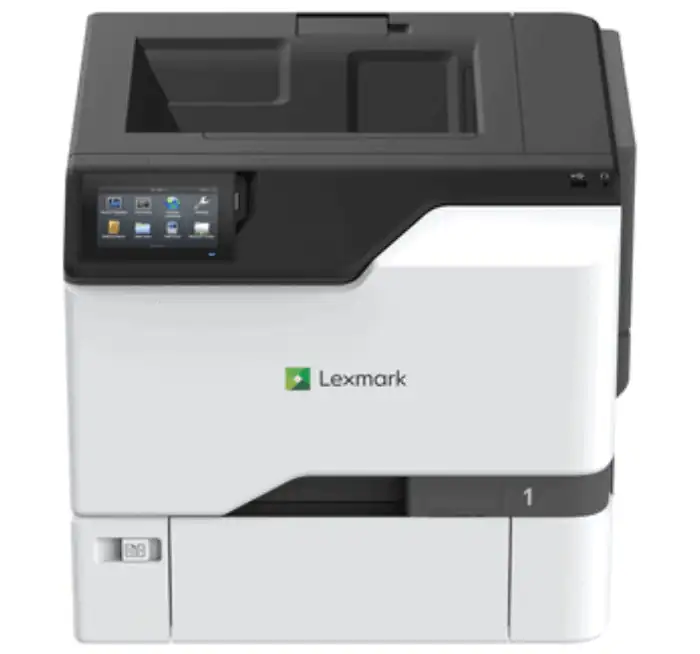
CS & CX Series — color
Color adds four toner stations, four imaging units, and a transfer system to the wear list — so streaks, banding, and colors out of register each point somewhere specific. Our technicians read those symptoms the way they read error codes, and replace the one component that’s actually due.
Models we service
CS531 · CX532 · CS725 · CX725 · C792 & X792 legacy fleet
Need a Lexmark Fixed Today?
Tell us the model and the symptom — a 121 error on the panel, a jam that keeps coming back, streaks on the page. A local technician comes to your office and gets your printer back up and running.
Lexmark Problems, Answered
The problems that stop Lexmark printers have patterns our technicians see every week — and plain-English answers you can read right now.
Seeing a 121 fuser error?
The fuser is reporting a heating fault — the classic end-of-life wear part.
Read the answer →140 or 149 motor error?
A drive motor fault — mechanical, diagnosable, and repairable on-site.
Read the answer →Paper jams that keep coming back?
Worn rollers and pads announce themselves this way — here’s how to tell.
Read the answer →What’s a maintenance kit?
The scheduled bundle of wear parts every high-mileage Lexmark is built around.
Read the answer →What’s an imaging unit?
The part behind most Lexmark print-quality complaints — and when to replace it.
Read the answer →What does a repair cost?
Hourly labor plus parts, with a one-hour minimum that covers the diagnosis.
Read the answer →More Lexmark questions in the PRG Answer Center.
Local Lexmark Technicians in 65 Cities
Every repair is local: our offices are independently owned, staffed by technicians in your market, and priced for your area. Pick your city, tell us the model and symptom, and a technician comes to your office — no mail-in service, no depots.
Guidance for Your Lexmark Fleet
Decisions bigger than a single repair — when to fix, what to maintain, and what the data says about the machines you run.
Lexmark Repair: Your Questions Answered
Which Lexmark printers do you repair?
How much does Lexmark printer repair cost?
How long does a Lexmark repair take?
My Lexmark says a maintenance kit is required — is that a breakdown?
Is an older MS810 or T-series still worth repairing?
Have a different question? The PRG Answer Center covers the printer questions offices actually search for.

Keep Your Lexmark Running
A local technician who knows Lexmark printers comes to your office, diagnoses the machine where it sits, and gives you a straight answer on the best way to fix it.
1,000,000+ repairs completed · 65 cities · since 1997